Hunter in WoW Forever: talents, builds and changes from Classic
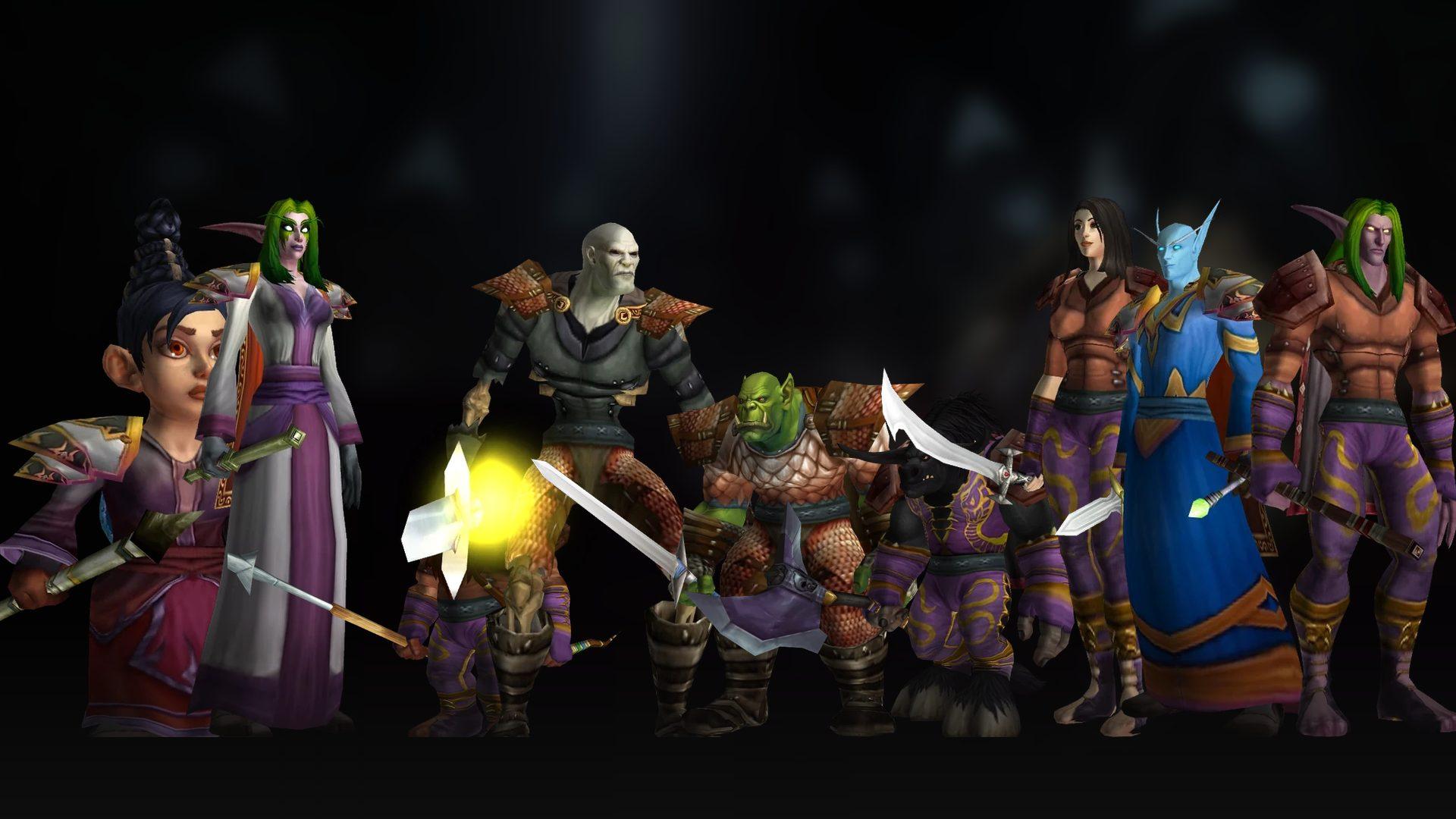
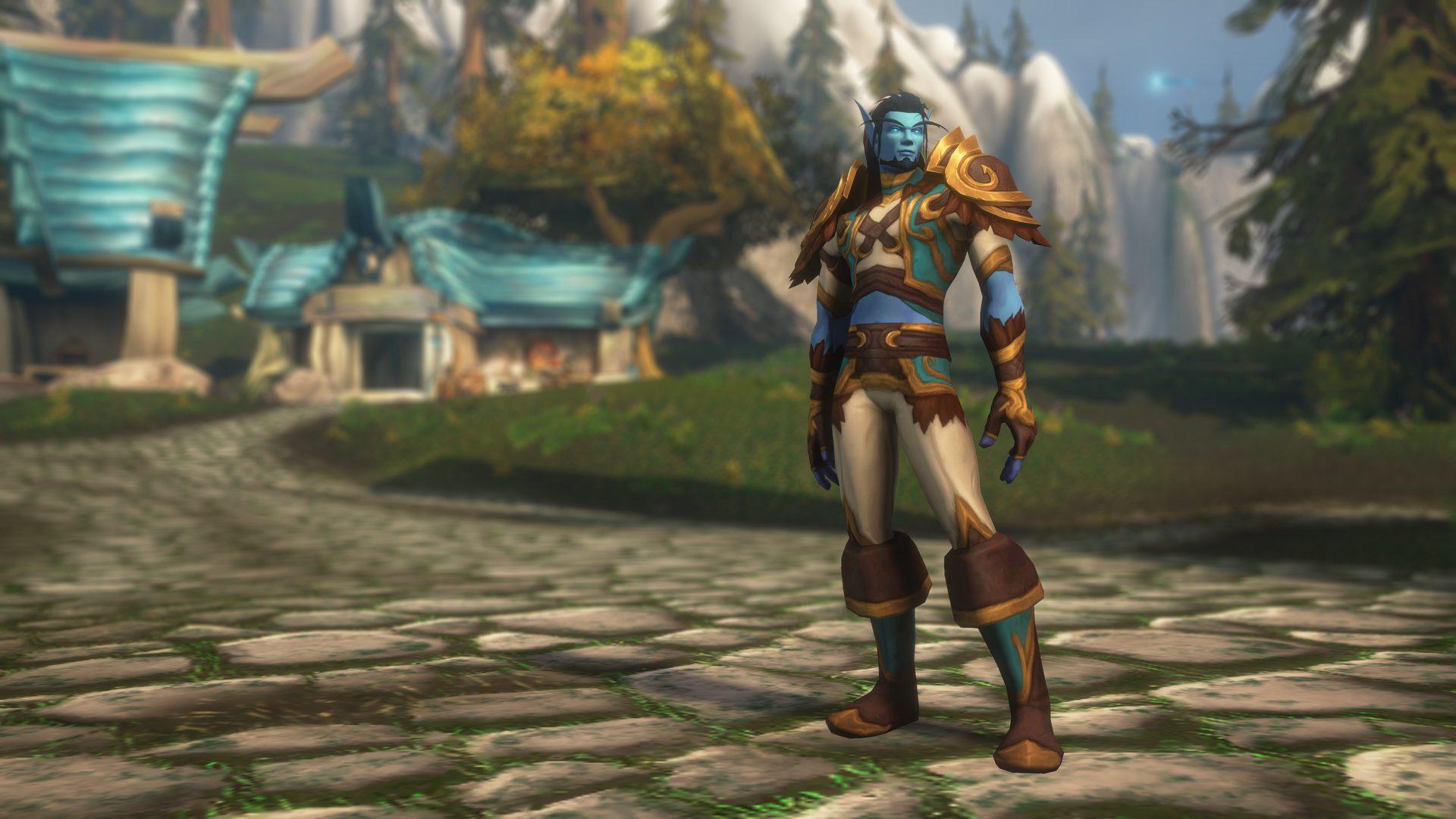
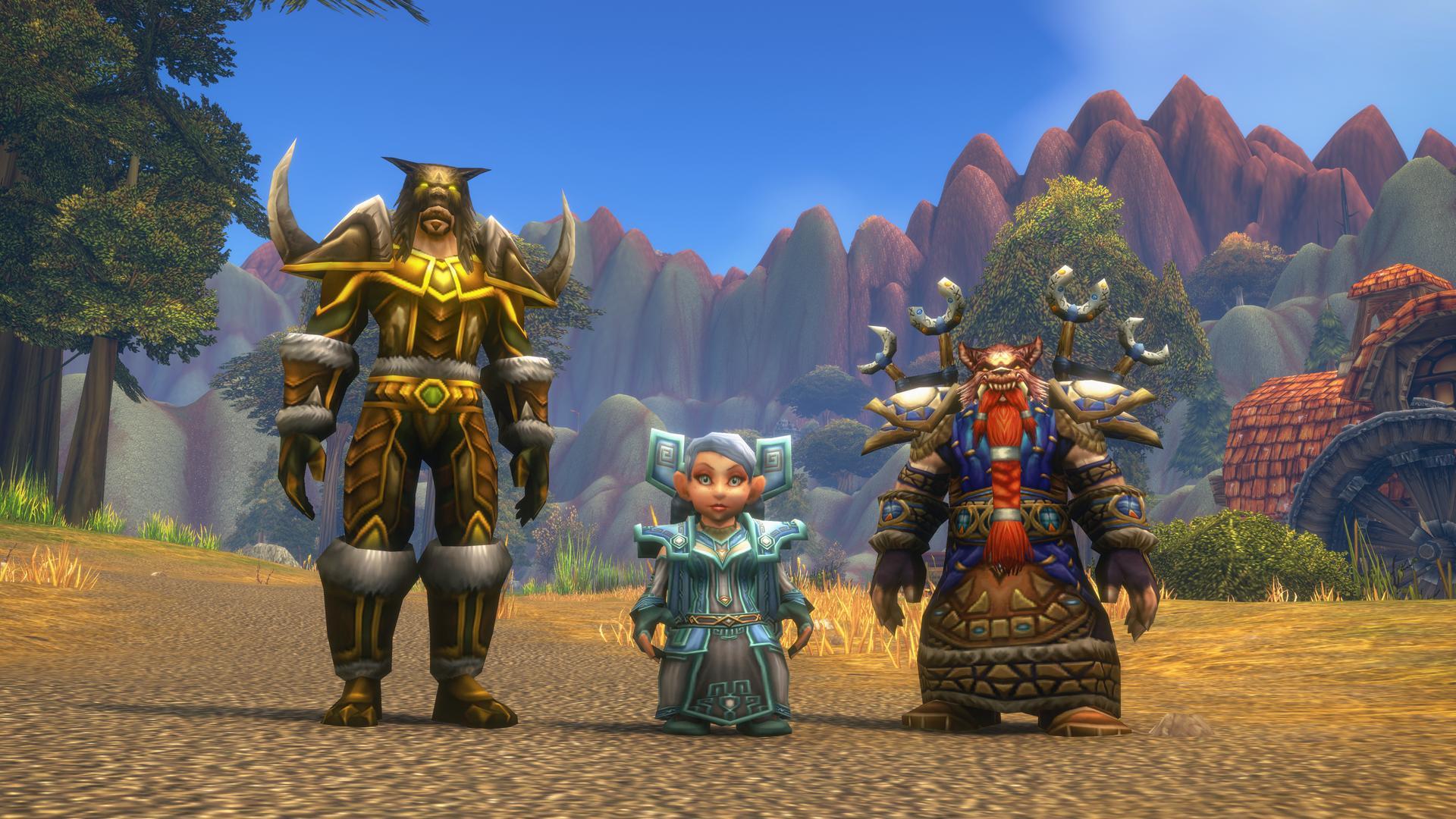
The ranged hunter and its pet; Forever's talents add summoned hawks, a Lone Wolf option for playing without a pet and a more melee-minded Survival, and Humans can finally be Hunters.
Damage through the pet, backed by summoned hawks and Bestial Wrath.
Marksmanship
Damage
Empowered ranged shots, with Lone Wolf for playing without a pet.
Survival
Damage
Traps and melee combat with Mongoose Bite, Lacerating Strikes and Strider Kick.
Talents & builds
Versus Classic
Tap a type to highlight it in the trees. Every talent tells you what it was in Classic.
Click to add a point · right-click to remove itTap a talent to see its details and add or remove points
Beast Mastery
0
Marksmanship
0
Survival
0
Required level
—
Points
0 / 51 · 51 left
0 / 0 / 0
Builds
Builds by role · the BiS ones, level 30 (or 20 where there is no 30 yet). The level 30 ones have 26 points: 21 from your level and 5 extra from the Legacy perk Talented
DPS · Marksmanship · DungeonsLevel 60 (51 points) · See its BiS
DPS · Marksmanship · DungeonsLevel 30 (26 points: 5 come from the Legacy perk Talented) · See its BiS
DPS · Survival · PvPLevel 30 (26 points: 5 come from the Legacy perk Talented) · See its BiS
My builds · only in this browser
Save a build with “Save build” and it will be here, in this browser.
Data from Wowhead's calculator (beta client, September 24). Values may change between beta builds. Classic comparison: Classic Era 1.15.9 client data via wago.tools.
Macros ready to copy, with spell names exactly as the game has them. Paste each one into a new macro and drag it to your bar. What a macro is and how to make one
Stances, forms and aspects
Aspect of the Hawk or Monkey, never toggled off
Intermediate · From level 10
Plain press is Aspect of the Hawk; with Shift, Aspect of the Monkey when you're being hit. The "!" stops a double press from turning it off.
#showtooltip
/cast [mod:shift] !Aspect of the Monkey; !Aspect of the Hawk
Cheetah out of combat, Hawk in combat
Intermediate · From level 20
One aspect button: out of combat it puts on Cheetah to travel, in combat Hawk to shoot. It saves you from getting dazed with Cheetah up.
#showtooltip
/cast [combat] !Aspect of the Hawk; !Aspect of the Cheetah
Cheetah, or the Pack with Shift
Intermediate · From level 40
Cheetah for you; with Shift, Aspect of the Pack so the whole group moves faster. Drop it before the fight: anyone hit gets dazed.
#showtooltip
/cast [mod:shift] !Aspect of the Pack; !Aspect of the Cheetah
Attacking
Auto Shot with your pet
Intermediate · From level 1
Starts shooting (the "!" keeps a second press from turning it off) and sends your pet at the same target.
#showtooltip Auto Shot
/petattack
/cast !Auto Shot
Attack your focus's target (the tank)
Advanced · From level 1
Set the tank as your focus: this takes their target, sends your pet there and starts shooting. With no focus it keeps your own target. In dungeons it stops your pet pulling another pack.
#showtooltip Auto Shot
/assist [@focus,exists]
/petattack
/cast !Auto Shot
Next enemy when yours dies
Advanced · From level 1
If your target is dead it drops it, grabs the nearest enemy and keeps shooting with your pet. You can mash it between mobs without losing time.
Each press casts the next one: Hunter's Mark, Serpent Sting and Arcane Shot, with your pet and Auto Shot. It restarts when you change target or leave combat; if Arcane Shot is on cooldown, the chain waits.
Left-click marks your mouseover or target; right-clicking the button marks your focus. Handy for marking the next kill without switching targets.
#showtooltip Hunter's Mark
/cast [btn:2,@focus,harm,nodead] Hunter's Mark; [@mouseover,harm,nodead][] Hunter's Mark
Melee: Mongoose Bite or Raptor Strike
Intermediate · From level 16
Starts swinging and tries Mongoose Bite first (only usable after you dodge); if it isn't up, Raptor Strike. Handy for Survival and when an enemy reaches you.
Sends a hawk at whatever is under your mouse (or your target) without retargeting. Needs the Summon Hawk talent from Beast Mastery; it shares a cooldown with Arcane Shot.
Pairs your damage cooldown with your pet's attack and Auto Shot for the moments to push.
#showtooltip Rapid Fire
/petattack
/cast !Auto Shot
/cast Rapid Fire
Rapid Fire with both trinkets
Advanced · From level 26
Spends everything that boosts damage in one press: the trinkets in slots 13 and 14, Rapid Fire, your pet and Auto Shot. Trinkets without an on-use effect simply do nothing.
#showtooltip Rapid Fire
/petattack
/cast !Auto Shot
/use 13
/use 14
/cast Rapid Fire
Survival: Counterattack, Mongoose and Raptor
Intermediate · From level 30
The same idea with Counterattack first; it lights up after a parry and roots the target. Needs the Counterattack talent from Survival.
Casts Volley right where your cursor points, without the targeting circle: one click less against packs.
#showtooltip Volley
/cast [@cursor] Volley
Volley that isn't clipped by spamming
Advanced · From level 40
If you are already channelling Volley the macro does nothing; otherwise it casts it at your cursor. You can press it repeatedly without restarting the channel and losing damage.
Stops shooting, cancels any cast, pulls your pet back on passive and clears your target. Use it when someone freezes, sheeps or shackles your target, or when you set a Freezing Trap.
Plain press is Freezing Trap to take one enemy out of the fight; with Shift, Frost Trap to slow everyone. In Forever traps can be placed in combat; the two frost traps share a cooldown.
When something reaches you in melee: puts on Aspect of the Monkey and, in combat, uses the trinket in slot 14. Keep your defensive trinket in the lower slot and your damage one on top (slot 13).
#showtooltip Aspect of the Monkey
/use [combat] 14
/cast !Aspect of the Monkey
Distracting Shot on mouseover
Basic · From level 12
Pulls the enemy under your mouse onto you, say one that went for the healer. Pair it with Feign Death if you can't hold it after.
With Shift you dismiss your pet, plain press calls it. Meant for Marksmanship with Lone Wolf, which deals more damage with no active pet.
#showtooltip
/cast [pet,mod:shift] Dismiss Pet; [nopet] Call Pet
Beast Lore or Tame Beast
Intermediate · From level 1
With Shift you check what the beast knows (Beast Lore); plain press starts taming it. That way you know if it teaches anything before keeping it.
#showtooltip
/cast [mod:shift] Beast Lore; Tame Beast
One button for your pet
Intermediate · From level 12
If it's dead, it revives it; if you don't have it out, it calls it; if it's alive, it heals it.
#showtooltip
/cast [@pet,dead,exists] Revive Pet; [nopet] Call Pet; Mend Pet
Pet: revive, call or mend without clipping the heal
Advanced · From level 12
If you are channelling Mend Pet, it won't cut it. Otherwise: revives a dead pet, calls it if it's missing, or starts healing it. With Shift it also tells it to follow you while you heal.
They use the modern game's macro syntax, which is what Forever runs underneath. We haven't tested them one by one in the beta yet: if one fails, tell us on the board.
A guide to choosing your class in WoW Forever if you're starting out: what each of the 9 classes does, which roles it can fill, what it asks of you, how it levels and what kind of player it suits. No "best class": the one that fits you. With a three-question quiz and a link to each class guide.
What the October 15 WoW Forever beta update brings: weapon specializations gone for humans, dwarves and orcs, new racials for tauren, Skyborne and trolls, raid-wide buffs, Arcane Blast reworked, Frost Blast for mages, paladin Salvation, weaker hunter pet abilities and the Horde out of Dalaran.
A WoW Forever race guide: which classes each race can play, all 40 racials (active and passive) with beta client numbers, what matters for PvP, groups or leveling, and what changed from Classic.
Blizzard's Classic+ launches on November 4. What changes from Classic: 469 reworked talents, the Skyborne, the Undead Paladin, new zones, nine dungeons and the raids — with the source next to every fact.
· 25 min
Data from beta client 1.60.1.70685, updated 29 Oct 2026.


 Human
Human Dwarf
Dwarf Night Elf
 Skyborne (High Order)
 Orc
Orc Tauren
 Troll
Troll Skyborne (Windshapers)